

Quick Start
The fastest way to get started is by using our template next-15 repository. Run the following command and follow the instructions to create a new mini app. For cleanliness we recommend usingpnpm as your package manager.
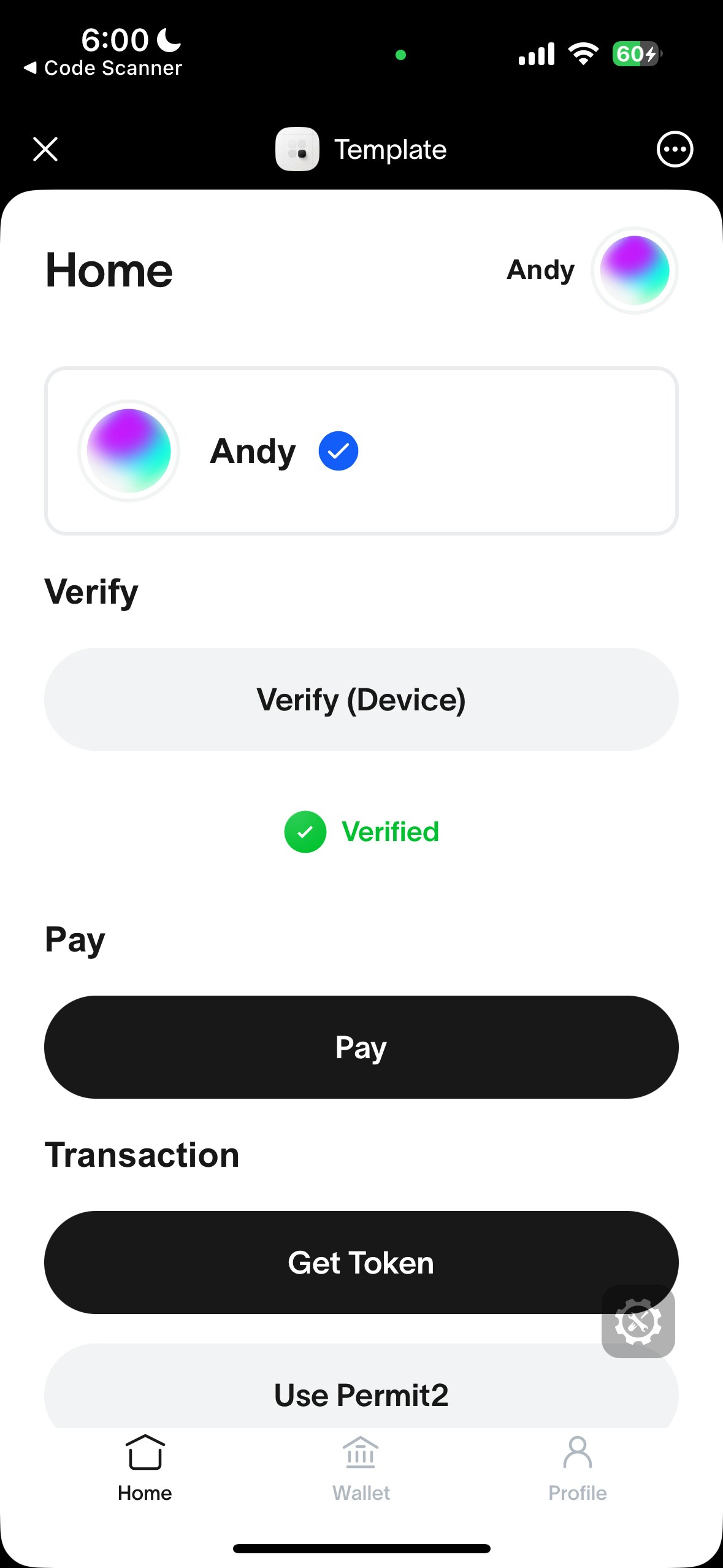
Correctly running template should look like this
Manual Installation
MiniKit-JS is the core library and is framework agnostic. Install it withpnpm, or use a CDN like jsdelivr for inline HTML. Replace [version] with the release you want to load.
Usage
- Wrap your app with
MiniKitProviderin a client component. This initializes MiniKit and makes it available throughout your app.
src/app/providers.tsx
src/app/layout.tsx
- Check if MiniKit is installed.
MiniKit.isInstalled()will only return true if the mini app is opened and initialized inside the World App. This is useful to distinguish between a user opening your app in the browser or in the World App.
Build with AI
The World Docs MCP lets any coding assistant search the World documentation to help you build your mini app.- Claude Code
- Codex
- Cursor
- VS Code
Template Repositories
The following template repositories are also available:- Vanilla JS (using a CDN) template (featuring a simple backend for verifications),
- Community example - Wallet Auth using JWT.
- Community example - Wallet Auth using NextAuth.
Watch a video tutorial here.