

HelloWorldChain smart contract for World Chain.
Solidity is a programming language that can compile to EVM (Ethereum Virtual Machine) bytecode which can be executed on the World Chain EVM.
We will also be using the Foundry CLI toolkit, which has a lot of tools to help build, test and interact with Solidity programs.
Download development tools
First, we need to install the Foundry CLI toolkit and the Solidity compiler. Solidity comes with a compiler calledsolc which we will use to compile the HelloWorldChain contract. The Foundry CLI
will automatically download the right version of the Solidity compiler for you during the compilation process using forge build.
Install Foundry
Create a Foundry project
Open your terminal of choice, navigate to a directory where you want to create your project, and run the following command to create a new Foundry project:Create a new Foundry project
src directory.
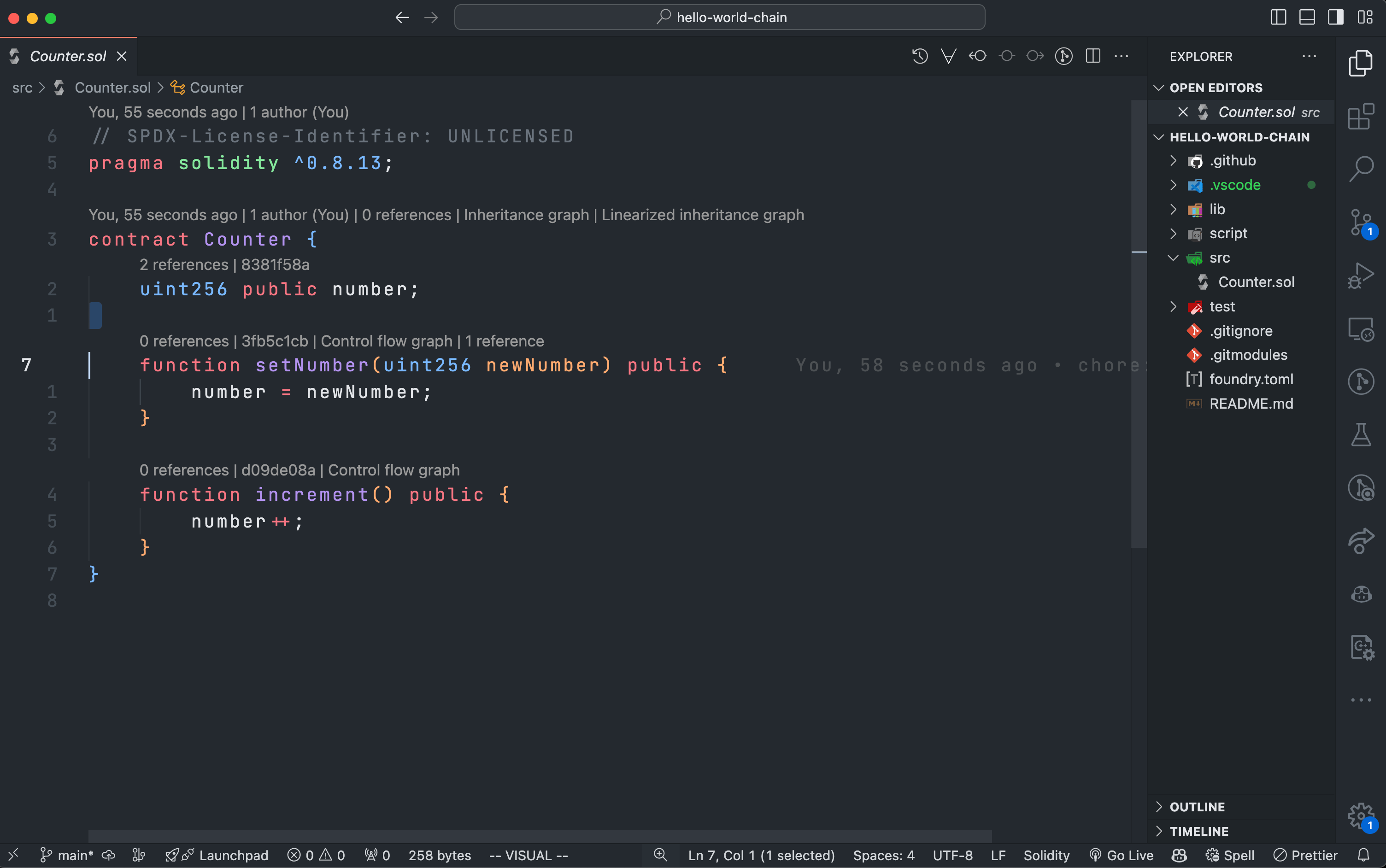
If you are using VSCode, it should look something like this:
Write the HelloWorldChain contract
First, delete the templatesrc/Counter.sol file:
Delete Template
src/HelloWorldChain.sol file and add the following code to it:
HelloWorldChain.sol
word variable that stores a string and two functions: setWord to update the word and getWord to return the current word.
Update Scripts and Tests
Since we deletedCounter.sol, we need to update or remove the scripts and tests that reference it to prevent compilation errors.
Delete the script/ directory
The script directory contains scripts that import Counter.sol. Since we no longer have Counter.sol, we can delete the entire script directory to avoid any compilation issues:
Delete Script Directory
Replace Counter.t.sol with HelloWorldChain.t.sol
In the test directory, delete the existing Counter.t.sol and create a new test file called HelloWorldChain.t.sol and add the following simple tests:
HelloWorldChain.t.sol
Test the contract
Compile the contract
To compile theHelloWorldChain contract, run the following command:
Compile the contract
forge build command will compile the contract using the Solidity compiler and generate the necessary artifacts in the out directory.
Generate a wallet
To deploy theHelloWorldChain contract to World Chain Sepolia, you will need a wallet with some World Chain Sepolia ETH. An easy way to generate a
wallet using the Foundry CLI is to run the following command:
Generate a wallet
cast is a versatile set of utility functions and commands for Solidity development. In this case, we are using one of its many built-in features to generate a wallet with one account.
Never share your private key with anyone and always make sure that you don’t
upload them to code versioning tools like Git and hosting platforms like
GitHub. Research best practices for private key management in order to avoid
loss of funds.
Wallet output
Fund your wallet
Now that you have a wallet, you need to fund it with some World Chain Sepolia ETH. You can get some World Chain Sepolia ETH from the World Chain Sepolia faucet operated by Alchemy. In the form on the faucet page, enter the address of your wallet which you generated above and click the “Send me ETH” button. If you have any issues please send us a message in the developer group chat on Telegram or Discord.Deploy the contract
Now that you have a wallet and you funded it with World Chain Sepolia ETH, you can deploy theHelloWorldChain contract to World Chain Sepolia using the following forge create command:
Deploy the contract
<path>:<contractname> format to specify the contract. This tells Foundry where to find the contract file (src/HelloWorldChain.sol) and which contract within the file (HelloWorldChain) to deploy.
We also use the --rpc-url flag to specify the RPC URL of the World Chain Sepolia network and the --private-key flag to specify the private key of the wallet we generated earlier.
On top of this we can also provide other flags like -vvvvv to get more verbose output from the deployment process, --verify to verify the contract on Worldscan or Blockscout (alongside with an --etherscan-api-key flag) and
several other flags to toggle different features that you can find more about in the Foundry documentation.
And that’s it! You have successfully deployed a smart contract to World Chain Sepolia. You can interact with the contract using forge script scripts, using a block explorer or any other EVM library like ethers.js, alloy-rs, and many others.